
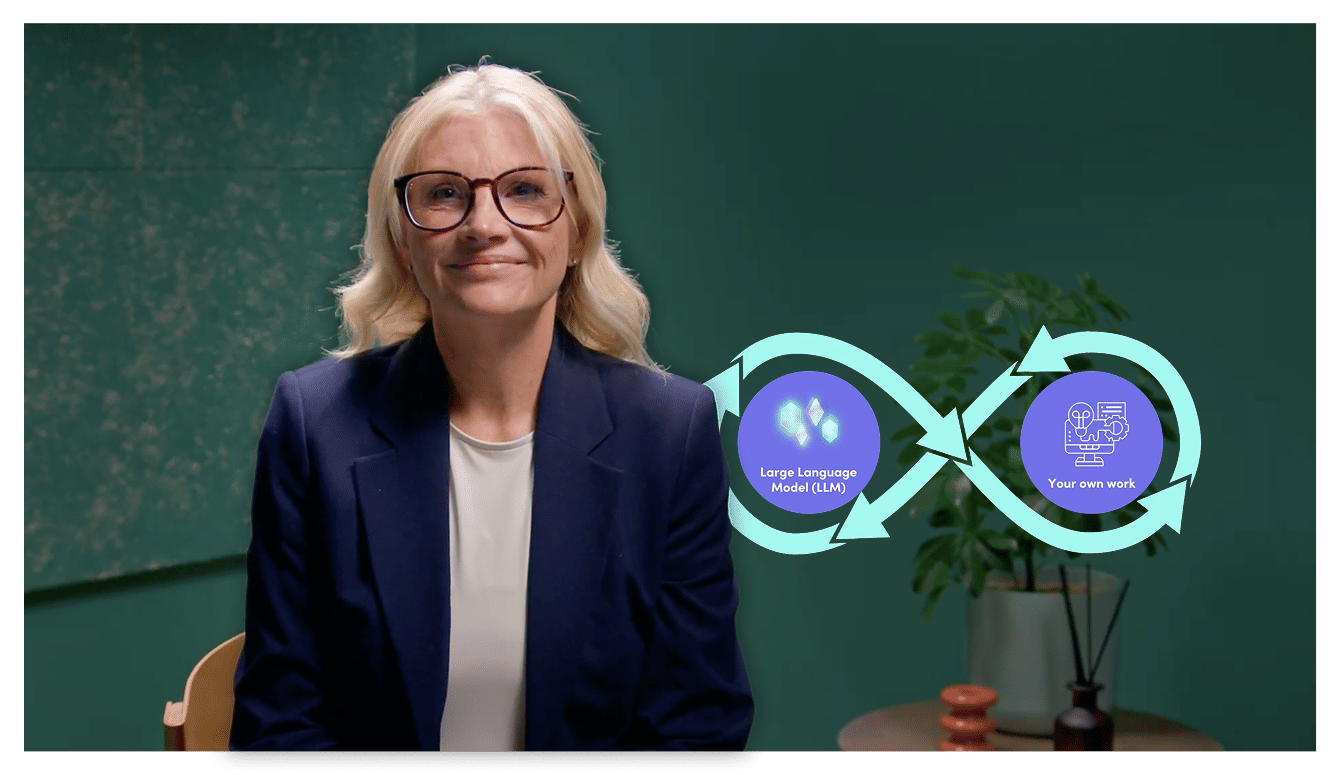
Stay in Control of Copilot

Tia Kilby
M365 and Copilot trainer
Copilot can produce polished answers in seconds, but fluent does not always mean correct. Learn three simple checks to assess its outputs and know when greater scrutiny and human judgement are needed.

Copilot can produce polished answers in seconds, but fluent does not always mean correct. Learn three simple checks to assess its outputs and know when greater scrutiny and human judgement are needed.
Subscribe to watch
Access this and all of the content on our platform by signing up for a 7-day free trial.
Stay in Control of Copilot
4 mins 14 secs
Key learning objectives:
Apply the source, sanity and audience checks to Copilot outputs
Identify uncertainty, assumptions, omissions and information that requires verification
Match the level of human review to the sensitivity and risk of the task
Overview:
Copilot can also smooth over uncertainty, omit caveats or make assumptions without making those gaps obvious. The level of review should therefore match the stakes. Internal, low-risk work may need only a quick check, while client-facing, regulated or decision-driving outputs demand deliberate verification and human sign-off.
Subscribe to watch
Access this and all of the content on our platform by signing up for a 7-day free trial.
Copilot can combine information from multiple sources and present it in clear, confident language. That fluency can make an answer appear more complete or reliable than it actually is, so reviewing the output remains essential.
How can you establish where an important claim came from?
Start by tracing figures, names, dates, policies and other important details back to their underlying source. If you cannot establish where a claim came from, treat it as unverified regardless of how confidently it is presented.
What should you do when something doesn't look right?
Use your own knowledge and professional judgement. If a figure seems unusual, a date does not make sense or a summary conflicts with what you know, investigate rather than assuming Copilot must be right.
Why does the intended reader matter?
An output suitable for your own notes may not be appropriate for a colleague, executive or client. You remain responsible for deciding the right tone, level of detail, framing and emphasis for the person who will receive it.
What makes incomplete information particularly difficult to spot?
Copilot can make uncertainty appear tidy by presenting estimates as facts, combining different sources into one statement or leaving out an important caveat. Asking what it is assuming, what is uncertain and what might be missing can help expose these gaps.
How should the level of checking change with risk?
The higher the stakes, the more deliberate your review should be. A low-risk internal summary may need a quick read-through, while client-facing, regulated or decision-driving content requires careful verification and human judgement before it is used.
Subscribe to watch
Access this and all of the content on our platform by signing up for a 7-day free trial.

Tia Kilby
There are no available Videos from "Tia Kilby"